How 3D Vision Helps Robots Pick Boxes from Mixed Pallets
On a mixed pallet, the highest box isn’t always the easiest one to pick. A tall carton may be leaning against its neighbor, while a lower carton may have a flat, exposed top and enough space for a vacuum gripper to approach. For a robot, the useful question is: Which…
On a mixed pallet, the highest box isn’t always the easiest one to pick. A tall carton may be leaning against its neighbor, while a lower carton may have a flat, exposed top and enough space for a vacuum gripper to approach. For a robot, the useful question is: Which carton can I pick now, and where should the gripper make contact?
3D vision gives the system depth information to help answer that question. In a typical workcell, the camera captures the visible stack, perception software identifies candidate surfaces, and the robot system checks whether the tool can reach and lift the selected carton. The process repeats as the stack changes.
1. Locate the exposed carton surfaces
Cartons on a mixed pallet can vary in size, height and orientation. Two neighboring boxes may look like a continuous brown area in a color image, especially when their edges are close together. Depth adds another clue: if their top faces sit at different heights or angles, those differences can help the software separate them and estimate each visible surface’s position and orientation.
Depth alone may offer little separation when adjacent cartons have nearly flush tops. In those cases, visible seams or other image cues may help, depending on the vision setup. A camera also cannot measure a surface hidden behind another carton from the same viewpoint. Where a boundary is uncertain, the system can leave that candidate for a later scan or use another viewpoint if the workcell supports it.
2. Choose a contact area that fits the gripper
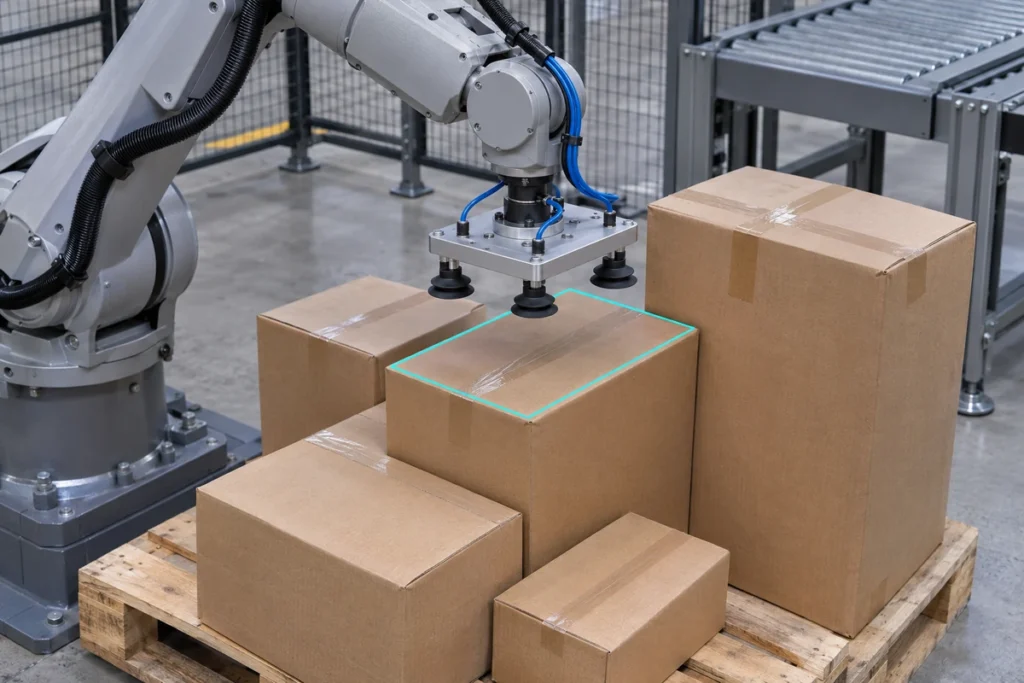
A detected box is only a candidate. With a vacuum tool, the contact area needs to suit the cup layout. A pick point that looks reasonable at the center of a box may still put one cup across an edge, a damaged corner or a loose flap. An exposed area with enough usable surface for the active cups may be a better choice.
The robot also needs room to move. A taller neighboring carton can block the approach or interfere as the selected carton lifts. The planning system uses the estimated carton geometry, the gripper shape and the workcell layout to check the approach and removal path. Camera-to-robot calibration is what lets the robot interpret the target position in its own coordinate system.
Depth data can help assess geometry, but it does not show whether a vacuum seal will hold. Test actual cartons and packaging materials, and use grip feedback such as a vacuum signal where the workcell supports it.
3. Recheck the stack after a pick
Removing a carton can expose a lower box or shift a neighboring one. A fresh capture lets the system compare the next set of candidates against the current stack. For example, a small carton wedged between two taller ones may offer a usable grip only after one of its neighbors has been removed.
Time the capture so the robot and lifted box are clear of the camera’s view when practical. If the system cannot find a usable candidate, plan a defined next step: rescan, try a different viewpoint if available, or flag the pallet for intervention. Include this behavior in commissioning so that the team knows what happens when the workcell encounters a carton it cannot handle.
What to test before commissioning
Start with representative pallets, including full stacks, nearly empty stacks and layouts that tend to cause problems. Check four things:
- Coverage: Can the camera see the required picking area at both the highest and lowest expected carton surfaces, including near the pallet edges?
- Surface quality: Does the vision system return usable depth on the actual cartons, including taped, printed or damaged areas? Test where the cups are likely to land.
- Pick execution: Does the robot approach and lift without contacting neighboring cartons or fixtures? Does grip feedback identify a failed seal when that feedback is available?
- Production performance: Track successful picks, retries, intervention frequency and cycle time over a representative run. Include sensing, planning and any retries when measuring cycle time.
Evaluate the camera with the rest of the workcell
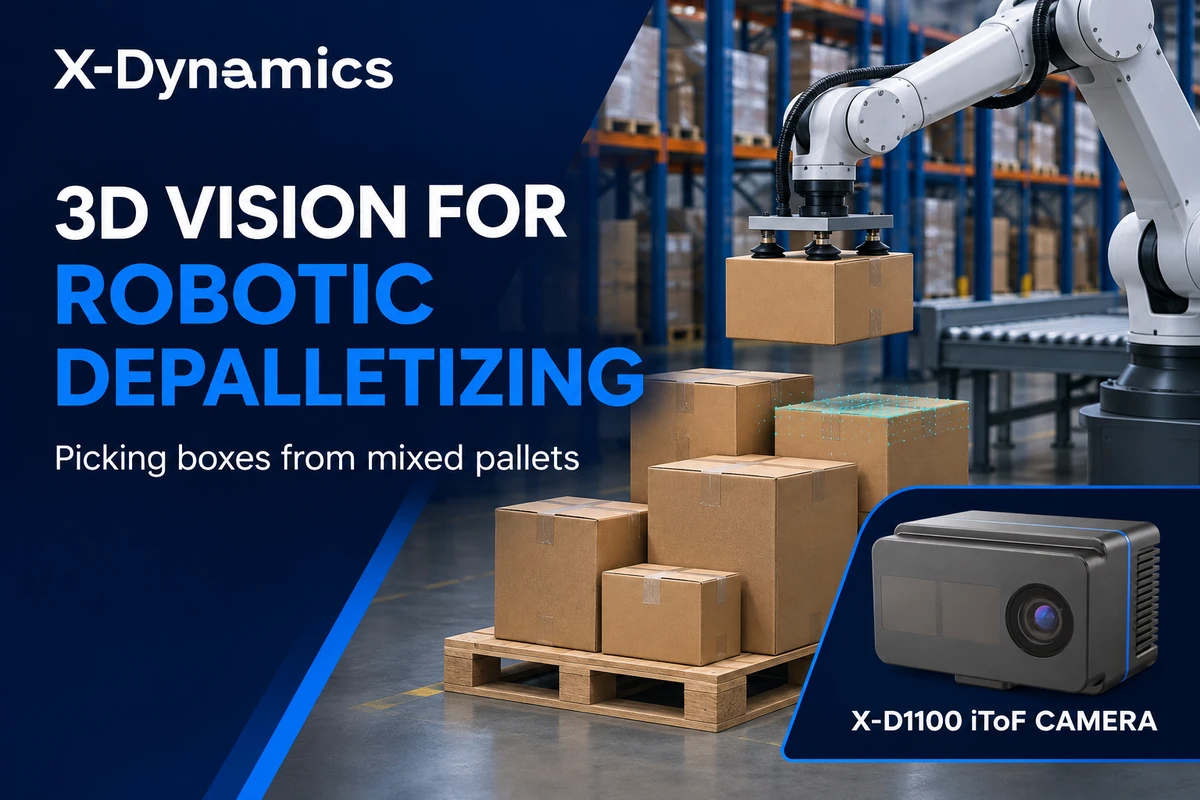
The X-Dynamics X-D1100 iToF camera is one 3D sensing option to evaluate for warehouse and industrial automation projects. For a mixed-pallet application, start with your pallet footprint, maximum and minimum stack heights, carton mix, gripper type and target cycle time. Those details help determine the camera viewpoint, the usable coverage and the tests needed to qualify the full cell.
Planning a depalletizing project? Share your workcell layout and representative carton sizes with X-Dynamics to discuss the vision requirements.