People Counting Accuracy Starts with Installation: 5 Things to Check
A people counter may be powered on, connected and sending data, yet still need adjustments before its results are ready for operational use. The installation must give the device a suitable view of the entrance, and its counting settings must match the way people actually move through that space. For…
A people counter may be powered on, connected and sending data, yet still need adjustments before its results are ready for operational use. The installation must give the device a suitable view of the entrance, and its counting settings must match the way people actually move through that space.
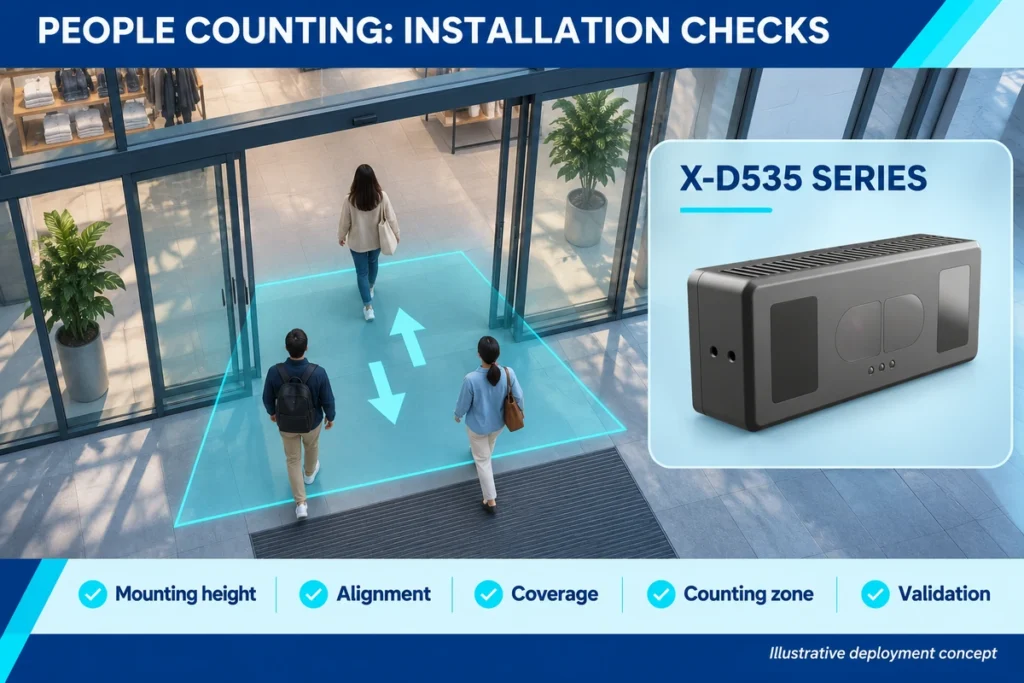
For retail stores, shopping malls and public facilities, a structured installation check helps identify problems before they become misleading traffic reports. Here are five practical checks to include when commissioning a people-counting system.
1. Match the Model to the Mounting Height
Measure the proposed installation height before choosing the device. Check how the manufacturer defines that measurement, and compare it with the supported range for the exact model.
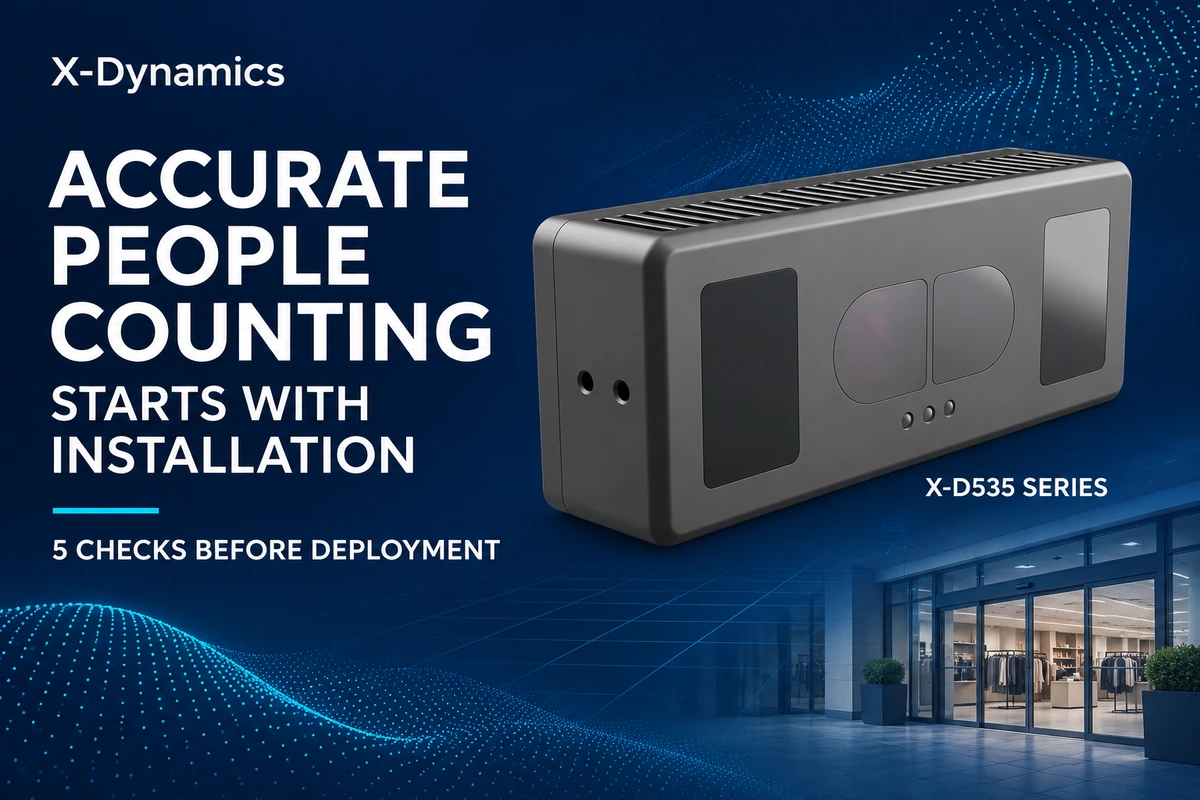
For the X-Dynamics X-D535 series, the published installation ranges are 1.9–3.5 m for X-D535L and 3.5–7.0 m for X-D535H. These are model-specific ranges; the series-wide range should not be treated as the specification of either model alone.
Record the entrance width as well. Height and field of view must be considered together when assessing whether the intended passage can be covered.
2. Check Alignment and Mounting Stability
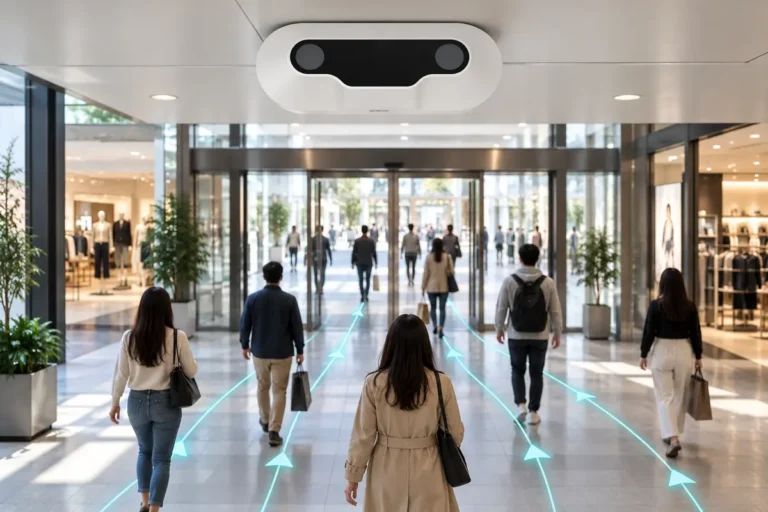
For an overhead counting installation, follow the selected device’s specified orientation. An overhead counter should not automatically be positioned like a general surveillance camera aimed diagonally across a room.
Check the mounting position against the actual walking route, and make sure the bracket remains secure after adjustment. Review the live view or depth output during commissioning to confirm that the device observes the intended passage.
Manufacturer guidance for overhead people counters emphasizes positioning above the passage, suitable downward alignment and an unobstructed view. Apply the instructions for your own model rather than copying another installation’s settings.
3. Verify Coverage Across the Full Passage
Assess the entrance as people use it, including movement near both edges. Test whether someone walking close to a wall, door frame or display still passes through the usable counting area.
Check for obstructions such as hanging signs, open door leaves and promotional fixtures. A doorway that looks clear when empty may have a different usable layout during opening hours.
If one device cannot cover the required width, discuss a suitable deployment arrangement with the supplier. Confirm support for any multi-device configuration before specifying it.
4. Set the Counting Zone Around Real Movement
The configured counting zone and direction settings define which movements register as entries or exits. Their setup should reflect the actual passage and counting requirement.
Begin by defining the task: counting entry into a shop, movement through a corridor, or access to a particular area.
Include door operation, waiting areas and nearby pedestrian routes in the review. Test someone entering, leaving, pausing and turning back, and compare the results with your intended counting rules. Available controls and algorithms vary by product.
5. Validate Counts Before Using the Reports
Validation is an important step after installation and configuration, helping identify issues that require further adjustment.
A practical acceptance test can compare device counts with a manual reference over the same time interval. Record entries and exits separately.
Include single-person crossings, people walking side by side, simultaneous movement in opposite directions and edge-of-passage routes. Where relevant, add representative cases involving luggage or shopping carts.
If results differ, review the corresponding movements before changing settings. Keep a record of the configuration, test conditions and results so adjustments can be assessed consistently. Repeat relevant checks after changes to the camera position or entrance layout.
Check Data Delivery as Part of Commissioning
After validating the local counts, confirm that the receiving platform reports the same device, direction and time interval. This helps separate counting performance from reporting or integration issues.
The X-Dynamics X-D535 series supports HTTP(S), MQTT(S) and API interfaces for people-counting data integration. Discuss the required reporting workflow alongside the physical installation.
Share your mounting height, entrance dimensions, layout and integration requirements with X-Dynamics to evaluate a suitable people-counting deployment.